Follow the steps below to enable the Deliveries Module, which can be enabled for your account if you require:
-
Transcript or Caption delivery via:
- FTP or FTPS (also referred to as FTP over TLS, or FTP over SSL)
- Callback URL
- Audio Description delivery via FTP or FTPS
See also: Creating a Delivery Route
Prerequisites
- This service is not available to Express accounts.
Request Access and Activate The Deliveries Module
1. Navigate to Settings
- Click Settings located in the upper right-hand corner of the page.

2. Select "Deliveries"
- On the lower, left-hand side of the screen click Deliveries from the Add-On Modules menu.
3. Click Request Access
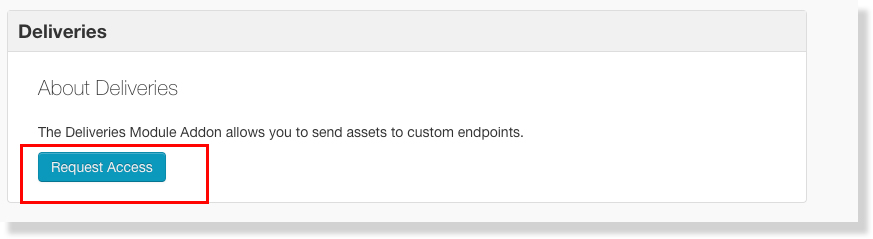
- Click Request Access to notify your 3Play Media account manager that you would like this module added to your 3Play Media account.
4.Activate Module
- Once access has been granted for the module navigate back to the Deliveries Module and click Activate Module.