Follow the steps below to preview the Audio Description while playing the media file directly from your 3Play Media project.
Prerequisites
- Please contact your account manager or 3Play Technical Support to have is module enabled for your account.
- Prior to ordering audio description first check your Audio Description Settings and Audio Description Cheat Sheet.
- Your audio description must be complete before you can preview or make any edits.
Steps to Preview an Audio Description File
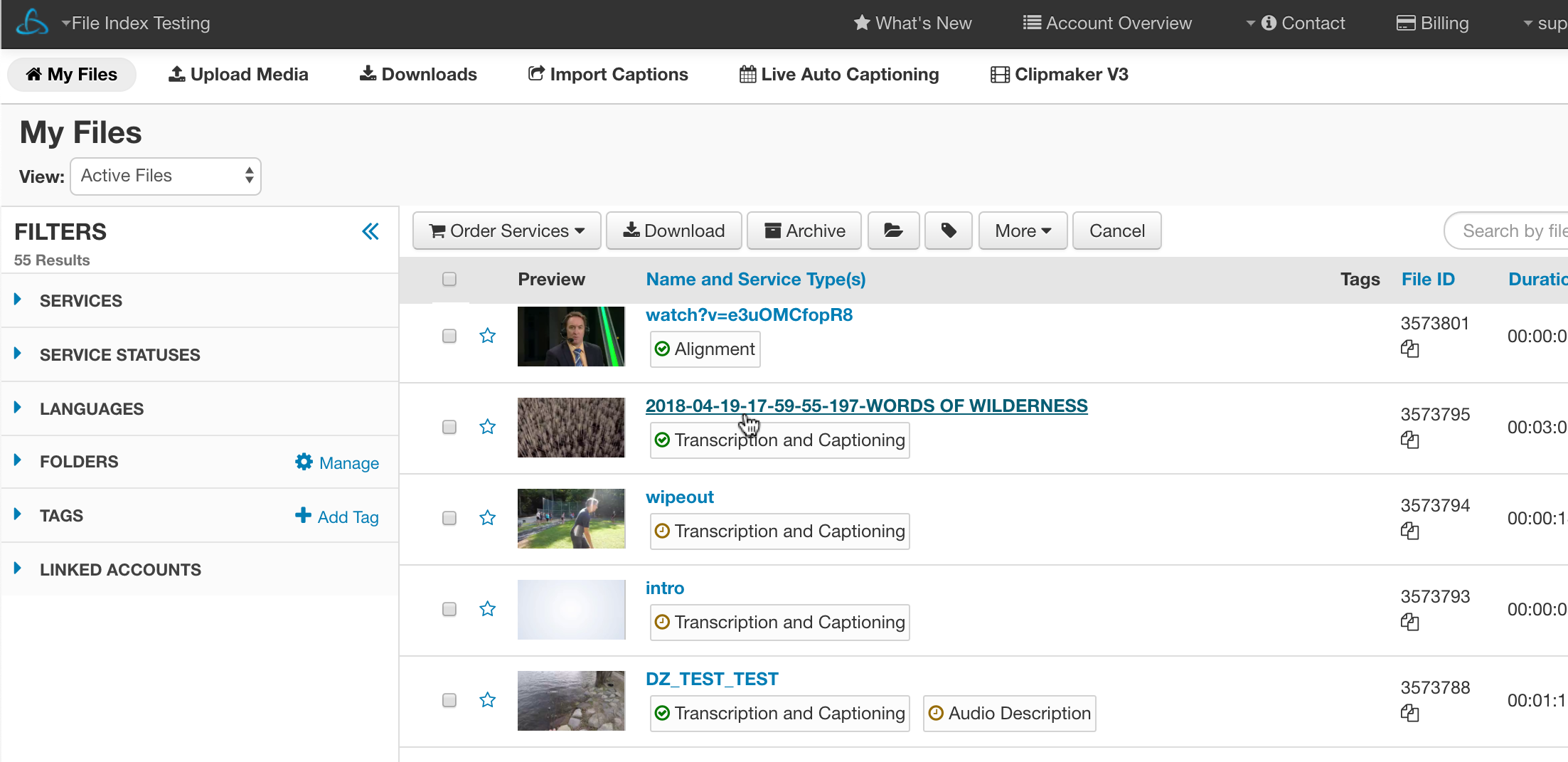
1. Select the file
Locate the file from the My Files page that you would like to preview.
Click the file's name to load the file-level show page.
2. Click Preview
In the tab that appears after clicking the file, click the Edit/Preview button (pencil icon) located to the far right under the Audio Description section. Note that you may need to click Show Details to expand the section.
3. Preview and Search

To preview the video along with with Audio Description from the beginning, click the play button within the video player to start from the beginning or click a play button next to one of the Audio Description sections to starting play the video from a specific point

Enter a word in the Search Descriptions box located in the upper, right-hand corner of the AD Preview page to locate a specific word within the Audio Description file. The Audio Description will filter as the word is being typed.