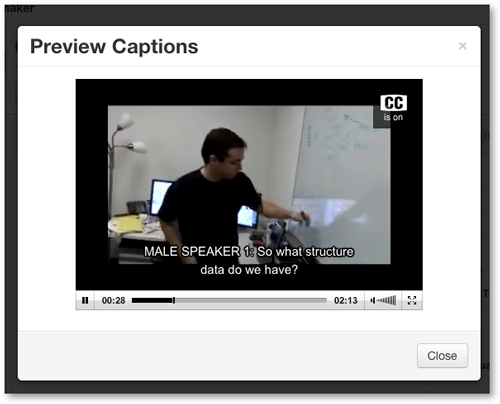
Follow the steps below to preview the captions while playing the media file within a 3Play Media project.
Prerequisites
-
Transcription and Captioning services must be complete prior to being able to preview closed captions on a file.
Steps to Preview Closed Captions
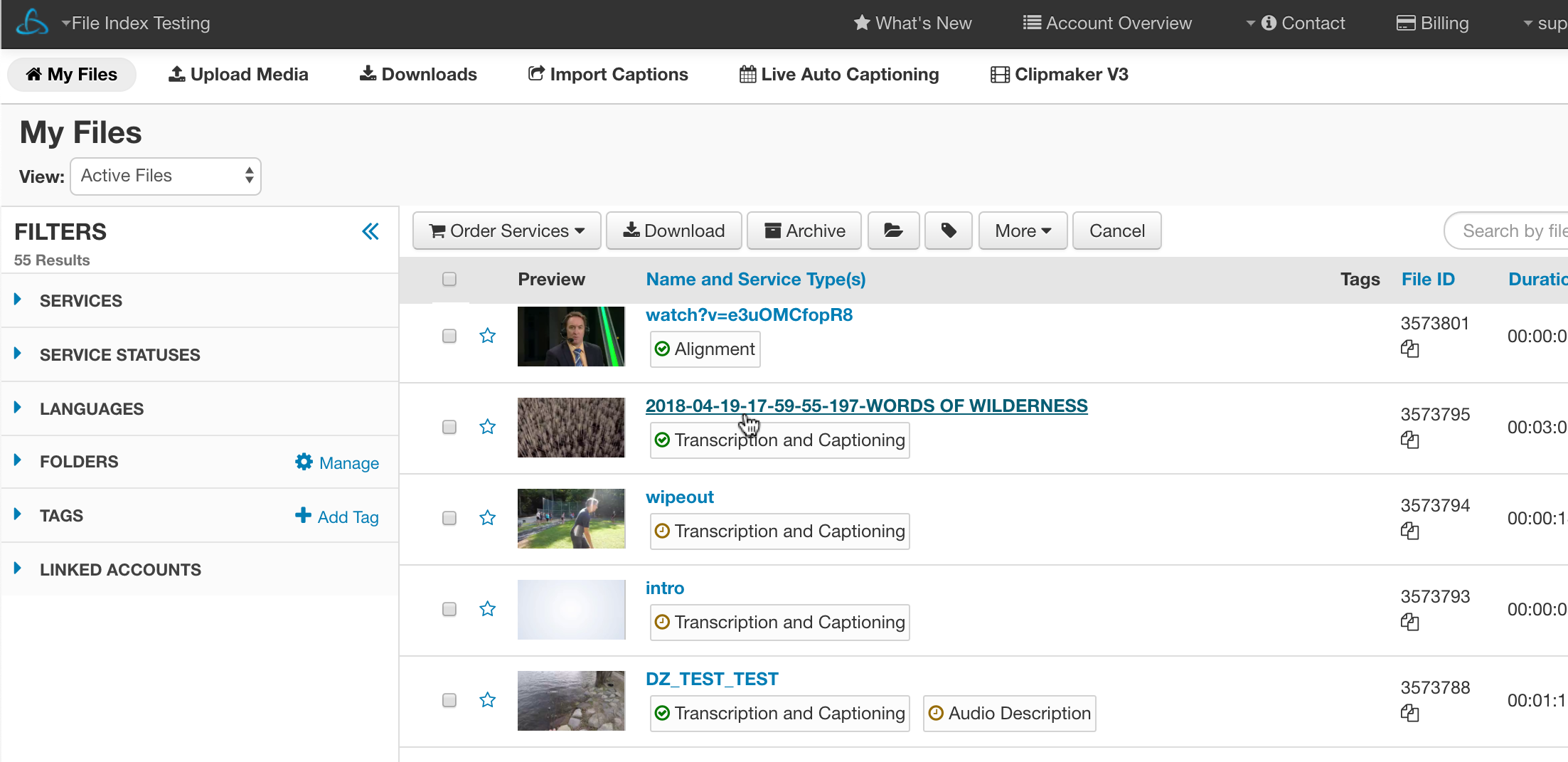
1. Select the File
- Locate the file from the My Files page that you would like to preview. Click the file's name to view the file level show page.
2. Click CC Preview
- From the file show page click CC Preview.

3. Click play
- Click the play button when the video player pop-up window displays.
The media file will play back with the captions displayed on screen.